
 Your community, in one place
 953 executions
 22,473 scripts
 539 users

 Save
Save



 Follow
 Play
Play
 00
00M
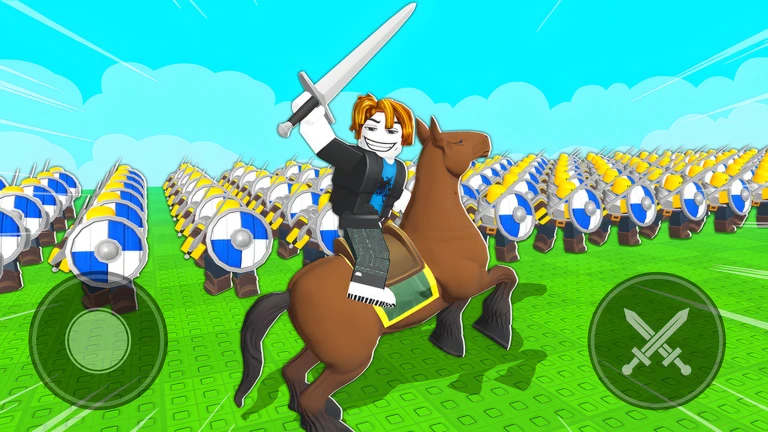
⚔️ [UPD] Command An Army Universal Script
MaxLegendsOwnerThe owner of BloxScripts.fun.Early CreatorPublish a script as one of the first 100 accounts.·Command An Army
By SerenityHub · Rscripts
 BloxScripts.fun
Take Command of Every Battlefield Bring a tactical edge to [UPD] Command An Army with a Universal Script toolkit built around action-packed team-vs-team warfare. Coordinate attacks, reinforce defenses, and track the fight as you recruit troops, capture points, order formations, and upgrade your army. Combat & Tactical Features Aimbot: Keep your aim focused on enemy targets during direct combat and contested-point battles. Adjustable Hitbox: Customize target hitboxes for more consistent engagements in crowded fights. Enemy ESP: Highlight opposing players and troops to read enemy advances and identify threats. Distance Labels: Check target proximity before pushing forward or holding a defensive position. Team Check: Filter friendly units from combat targeting to stay focused on the opposition. Customizable Overlay: Adjust visual settings to keep troop movements and formation changes easy to follow. Built for Attack & Defense Spot pressure on your defensive line, identify openings near capture points, and maintain battlefield awareness while managing your growing army. A streamlined menu keeps combat settings within easy reach. Example Keybind Layout [RightShift] - Toggle Menu [Q] - Toggle Aimbot [E] - Toggle Enemy ESP [H] - Toggle Hitbox Settings [V] - Toggle Distance Labels One universal interface for focused combat settings and clearer tactical awareness.
-- [[ BloxScripts Risk Notice ]]
-- This script has not been verified by BloxScripts.fun. Deal with caution.
--
-- Stay safe:
--   • Never log in on unofficial Roblox sites or lookalike domains.
--   • Real Roblox links use roblox.com (check the .com ending).
--   • Treat fake Roblox login / "claim reward" pages as phishing.
-- [[ End BloxScripts Risk Notice ]]

loadstring(game:HttpGet("https://raw.githubusercontent.com/horneldersever24/loaders/main/loaders/upd-command-an-army-spam2-jkt8zx7fkxkq21-o.lua"))()
Review the source before using it. Executions count successful copies, capped at 10 per user and network per script in 24 hours.
00000000