
 Your community, in one place
 899 executions
 19,244 scripts
 456 users

 Save
Save



 Follow
 Play
Play
 00
00M
Command An Army Script | Tactical Control ⚔️
MaxLegendsOwnerThe owner of BloxScripts.fun.Early CreatorPublish a script as one of the first 100 accounts.·Command An Army
By peace098 · Rscripts
 BloxScripts.fun
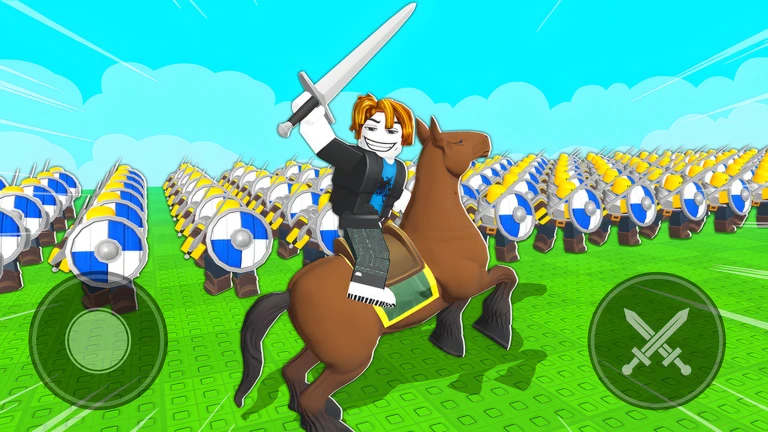
Take Command of Massive Team Battles Bring a tactical edge to [UPD] Command An Army with a Universal Script concept built around action-packed attack and defense. Keep enemy positions in view, prioritize threats near capture points, and coordinate your approach while recruiting troops and ordering formations. Combat-Focused Features Aimbot Controls: Aim-assist settings for supported ranged combat, with adjustable targeting preferences. Hitbox Settings: Configurable targeting options for close-range clashes and crowded battles. Enemy ESP: Visual overlays designed to help distinguish opposing forces during team-vs-team warfare. Distance Indicators: Assess nearby threats before committing your army to an attack. Team Filters: Keep combat overlays focused on opponents rather than allied troops. Customizable Menu: Organize combat and visual settings around your preferred playstyle. Built Around Battlefield Decisions Whether you are defending a contested position or advancing toward a capture point, clear combat information helps you plan your next move. Pair your tactical choices with the game's troop collection, upgrades, and formation orders. Example Keybind Layout [RightShift] - Toggle Menu [E] - Toggle Aim Assist [V] - Toggle Enemy ESP [H] - Toggle Hitbox Settings [B] - Toggle Distance Indicators A universal combat-focused layout for players who enjoy army warfare, territorial control, and tactical PvP.
-- [[ BloxScripts Risk Notice ]]
-- This script has not been verified by BloxScripts.fun. Deal with caution.
--
-- Stay safe:
--   • Never log in on unofficial Roblox sites or lookalike domains.
--   • Real Roblox links use roblox.com (check the .com ending).
--   • Treat fake Roblox login / "claim reward" pages as phishing.
-- [[ End BloxScripts Risk Notice ]]

loadstring(game:HttpGet("https://raw.githubusercontent.com/ShinobiComply/loaders/main/loaders/upd-command-an-army-spam1-2bonc3qsig7ky5-o.lua"))()
Review the source before using it. Executions count successful copies, capped at 10 per user and network per script in 24 hours.
00000000