
 Your community, in one place
 869 executions
 18,267 scripts
 438 users

 Save
Save



 Follow
 Play
Play
 00
00M
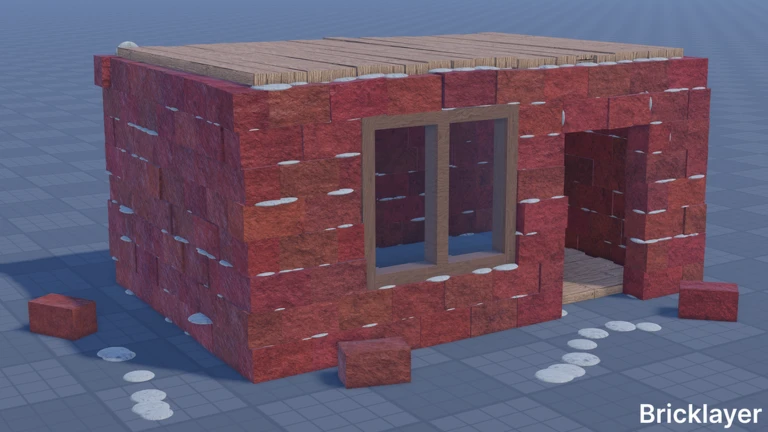
Bricklayer Universal Script 🧱 Auto-Build & Teleport
MaxLegendsOwnerThe owner of BloxScripts.fun.Early CreatorPublish a script as one of the first 100 accounts.·👨🏭WELDING🔥Bricklayer
By assswwws · Rscripts
 BloxScripts.fun
Build Smarter in ELECTRICITY Bricklayer Streamline your construction sessions with a universal script setup focused on bricklaying, material collection, and quick travel. Create walls, organize your workspace, and spend more time experimenting with Bricklayer’s hands-on building mechanics. Construction-Focused Features Auto-Farming: Repeat material-gathering routines to keep your next construction project moving. Auto-Collect: Gather available building resources around your work area with less repetitive input. Saved-Point Teleports: Move between your material pickup spot, active wall, and project staging area. Build Routine Controls: Start and pause repetitive tasks when you need to switch to precise manual placement. Workspace Presets: Keep preferred automation settings organized for different construction sessions. Made for Creative Construction Build your workflow around Update 4.1’s improved snapping, circle and square cutting, and multi-line measurement tool. Use quick travel to revisit projects featuring motors, pistons, hinges, and NAND, NOR, or XOR logic gates. Pause routines whenever you want to adjust machinery with the wrench or clean cement with the trowel. Example PC Keybinds [RightShift] - Toggle Menu [F6] - Toggle Auto-Farming [F7] - Toggle Auto-Collect [B] - Save Workspace Position [T] - Teleport to Saved Position [X] - Pause Active Routines A construction-first universal script layout for smoother bricklaying sessions.
-- [[ BloxScripts Risk Notice ]]
-- This script has not been verified by BloxScripts.fun. Deal with caution.
--
-- Stay safe:
--   • Never log in on unofficial Roblox sites or lookalike domains.
--   • Real Roblox links use roblox.com (check the .com ending).
--   • Treat fake Roblox login / "claim reward" pages as phishing.
-- [[ End BloxScripts Risk Notice ]]

loadstring(game:HttpGet("https://raw.githubusercontent.com/HarmonicPigeonExalt/loaders/main/loaders/electricity-bricklayer-spam3-17aymdfegoeiyp-o.lua"))()
Review the source before using it. Executions count successful copies, capped at 10 per user and network per script in 24 hours.
00000000