
 Your community, in one place
 869 executions
 18,267 scripts
 438 users

 Save
Save



 Follow
 Play
Play
 00
00M
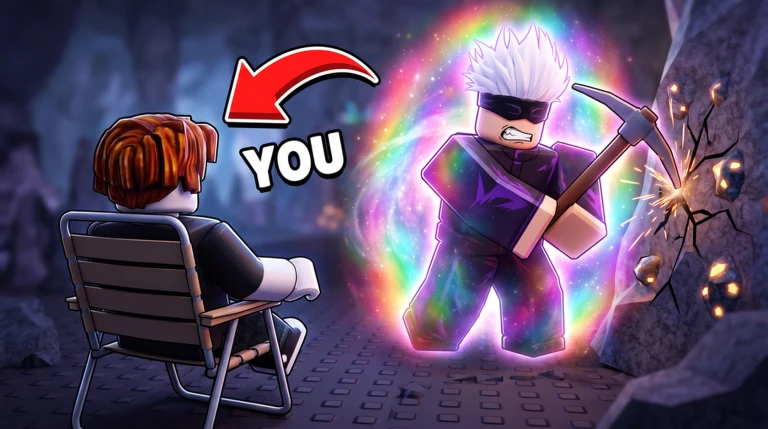
⛏️ My Anime Mine Universal Script
MaxLegendsOwnerThe owner of BloxScripts.fun.Early CreatorPublish a script as one of the first 100 accounts.·⛏️ My Anime Mine
By Ricoooo · Rscripts
 BloxScripts.fun
Build a Stronger Mining Crew in My Anime Mine Streamline your incremental mining routine with a universal script setup focused on ore farming, crew progression, and convenient zone travel. Keep your anime characters breaking rocks while you manage the upgrades that drive your next mining milestone. Mining and Progression Features Auto Farm: Keep your crew focused on rock-breaking loops for steady ore farming. Auto Collect: Gather available mining drops with less repetitive movement. Auto Crew Leveling: Prioritize character upgrades to increase your crew's damage. Mutation and Enchantment Controls: Organize mutation upgrades and enchantment rolls around your preferred crew setup. Limited Summon Helpers: Streamline available character summons as you expand your mining roster. Research Upgrade Controls: Focus progression on research that unlocks the next mining zone. Zone Teleports: Move quickly between unlocked mining areas and upgrade locations. Simple Menu, Focused Controls Adjust farming priorities, select upgrade targets, and switch routines from one compact interface. Build toward the last zone, where player trading unlocks, without losing focus on damage growth and research progress. Keybinds [RightShift] - Toggle Menu [F] - Toggle Auto Farm [G] - Toggle Auto Collect [T] - Open Zone Teleports [U] - Open Crew Upgrade Controls A mining-first setup for ore collection, stronger anime crews, and smoother zone progression.
-- [[ BloxScripts Risk Notice ]]
-- This script has not been verified by BloxScripts.fun. Deal with caution.
--
-- Stay safe:
--   • Never log in on unofficial Roblox sites or lookalike domains.
--   • Real Roblox links use roblox.com (check the .com ending).
--   • Treat fake Roblox login / "claim reward" pages as phishing.
-- [[ End BloxScripts Risk Notice ]]

loadstring(game:HttpGet("https://raw.githubusercontent.com/blackbarbarianpush/loaders/main/loaders/my-anime-mine-spam1-aquvdmd6ge40oa-o.lua"))()
Review the source before using it. Executions count successful copies, capped at 10 per user and network per script in 24 hours.
000000 Key SystemMobile00 Key System