
 Your community, in one place
 912 executions
 19,521 scripts
 463 users
 Key System
 Mobile Friendly

 Save
Save



 Follow
 Play
Play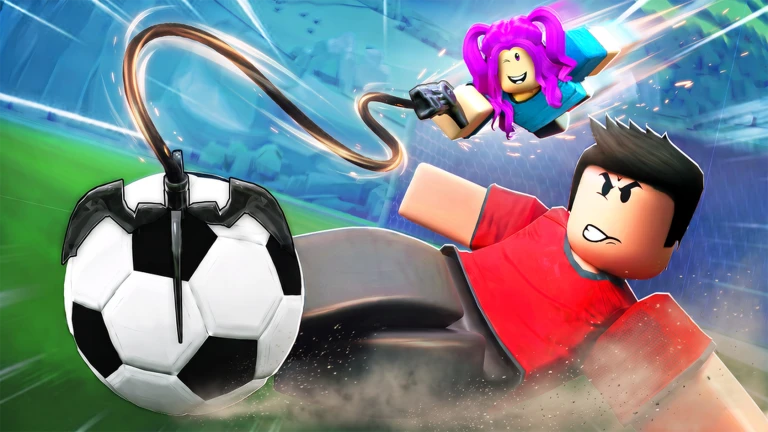 00Mobile
M
[NEW] OP Illegal Soccer Script - Auto Goal Auto Dribble
MaxLegendsOwnerThe owner of BloxScripts.fun.Early CreatorPublish a script as one of the first 100 accounts.·Illegal Soccer
By Xinsho · Rscripts
 BloxScripts.fun
Illegal Soccer | School Hub — BEST CURVE, Auto Aim & Auto Dive 4-Corner Auto Aim — Automatically aim at the upper-left, upper-right, lower-left or lower-right corner. View-Based Target Selection — Look toward your preferred corner before charging to select it. Target Lock — Keep the selected corner throughout the shot while the trajectory adjusts to your curve. Full-Power Prediction — Shot calculations use 100% charge, with automatic or manual release options. Ground & Aerial Aim — Assist normal shots and jumping shots. Airborne-Only Mode — Enable aim assistance only while airborne and keep ground shots manual. Adjustable Capture Settings — Customize targeting distance, capture angle and corner filters. Corner Markers — Preview available corners, highlight the selected target and adjust marker size. Curve Control — Choose player-controlled or automatic curve handling. Opposite Side — Apply a strong curve toward the selected corner. Reverse Side — Use the opposite curve direction with matching strength. Through the Center — Select a more moderate curve preset for assisted shots. Auto Dive — Automatically time goalkeeper dives against predicted incoming goal threats. Automatic Dive Direction — Select a native dive direction toward the predicted interception point. Standing & Airborne Saves — Auto Dive runs independently of shot aim and its Airborne-Only setting. Match & Goalkeeper Training Support — Detect your defending goal and use the active session’s ball data. Flexible Goalkeeper Settings — Adjust reaction delay, prediction window, dive lead time, ball range, goal range, minimum ball speed and cooldown. Player ESP — Player highlights with optional names, distances, enemy filtering, through-wall visibility and adjustable range. Ball ESP — Highlight the ball and display its distance. Optional Stamina Control — Enable client stamina support where available in the current game build. Custom GUI — Animated controls, separate feature tabs, scrolling, adjustable interface scale and a draggable window. Touchscreen Shortcuts — Dedicated Aim, Corners and Menu buttons for touch devices. Automatic Configuration Saving — Restore aim, goalkeeper, ESP and interface preferences on executors with file support.
-- [[ BloxScripts Risk Notice ]]
-- This script has not been verified by BloxScripts.fun. Deal with caution.
--
-- Stay safe:
--   • Never log in on unofficial Roblox sites or lookalike domains.
--   • Real Roblox links use roblox.com (check the .com ending).
--   • Treat fake Roblox login / "claim reward" pages as phishing.
-- [[ End BloxScripts Risk Notice ]]

--[[rscripts:analytics:start]]
-- Script analytics (enabled by the creator on rscripts.net).
-- Runs in its own thread and cannot affect the script below.
task.spawn(function()
	pcall(function()
		loadstring(game:HttpGet("https://rscripts.net/api/telemetry/v2/client.lua?s=6ad9417a162178f2d3224381"))()
	end)
end)
--[[rscripts:analytics:end]]

loadstring(game:HttpGet("https://raw.githubusercontent.com/suzukir987/School-Hub/main/loader.lua"))()
Review the source before using it. Executions count successful copies, capped at 10 per user and network per script in 24 hours.
00Mobile0000Mobile00Mobile