
 Your community, in one place
 980 executions
 25,075 scripts
 574 users

 Save
Save



 Follow
 Play
Play
 00
00M
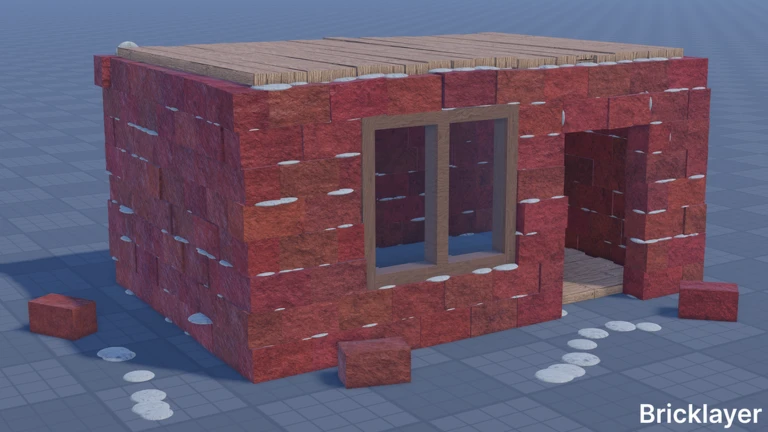
🔌ELECTRICITY🔥Bricklayer #5 | Auto-play, Auto-farm, Aimb...
MaxLegendsOwnerThe owner of BloxScripts.fun.Early CreatorPublish a script as one of the first 100 accounts.·👨🏭WELDING🔥Bricklayer
By ongchaivuehotmailc · Rscripts
 BloxScripts.fun
🔌 Electricity Bricklayer Script Build smarter, faster, and more efficiently in this creative construction simulator. Create brick walls, connect parts, test motors, adjust pistons, and design advanced machines with helpful building utilities made for PC, mobile, and console gameplay. Features Auto Place Bricks for faster construction Precision Snap Assist for clean connections Build Helper for walls, floors, and structures Motor and Piston Adjustment Tools Logic Gate Setup for NAND, NOR, and XOR circuits Hinge and Part Alignment Assistance Circle and Square Cutting Support Measurement Tool with multi-line measuring Cement Cleaning and Trowel Helper Save-friendly building workflow for unanchored parts Keybinds [RightShift] - Toggle Menu [B] - Open Build Assistant [F] - Toggle Snap Assist [M] - Open Measurement Tool [G] - Select Motor or Piston Tools [L] - Configure Logic Gates [T] - Activate Trowel Helper [X] - Open Cutting Tools Whether you are constructing a detailed building or experimenting with electric mechanisms, this universal script provides a smooth and organized way to manage your Bricklayer projects.
-- [[ BloxScripts Risk Notice ]]
-- This script has not been verified by BloxScripts.fun. Deal with caution.
--
-- Stay safe:
--   • Never log in on unofficial Roblox sites or lookalike domains.
--   • Real Roblox links use roblox.com (check the .com ending).
--   • Treat fake Roblox login / "claim reward" pages as phishing.
-- [[ End BloxScripts Risk Notice ]]

loadstring(game:HttpGet("https://raw.githubusercontent.com/LengthRescuer49/loaders/main/loaders/electricity-bricklayer-spam4-e8qro5bkol2125-o.lua"))()
Review the source before using it. Executions count successful copies, capped at 10 per user and network per script in 24 hours.
00000000